- The article explains the principle of AI: training on data, then applying what has been learnt to new data.
- Generative AI produces images, videos, music or text from its training data.
- It presents several tools as they were in 2024: Sora, announced by OpenAI and not yet open to the public at that time, Runway Gen 2, Replicate and Synthesia.
- It gives a method for writing a prompt: type of image, subject, context, emotion, style or format, technical details.
Over the last decade, AI has changed considerably with technological progress, mainly because of the increase in computing power and very broad access to data. To show this AI revolution in video, we look at 3 examples that push the possibilities even further. Whether you are making advertising videos, corporate films or any other type of video, here is our advice. Take a look at our home page or at the videos in our portfolio.
These tools are now used in many industries. Even though the subject has come back strongly in recent months, AI has already been changing video, and our daily lives, for a long time: in self-driving cars, our email inboxes, social networks, search engines, translation software and navigation apps such as Waze or Google Maps.
How does it work?
First of all, you need to understand how artificial intelligence works. Not all AI systems work in the same way, and there are different types of algorithms. In general, though, AI learns from data using mathematical algorithms. The first stage is training, during which the AI is trained on a set of data.
The AI then uses this data to learn to identify patterns and relationships between the different variables.
Once training is complete, the AI can apply what it has learnt to new data. This can be used for speech recognition, image recognition, machine translation, product recommendations or self-driving.
When it comes to generating images and videos, we need to talk about generative AI, which can generate new content on its own (images, videos, music, text) from its training data. These systems imitate human creations through natural language processing, computer vision, speech recognition, deep learning, data generation and optimisation.
This type of AI is used in many areas, such as creating works of art, generating content for video games, chatbots, code generation and content creation for social networks.
“It’s much harder to generate video than photos because beyond correctly generating each pixel, the system also has to predict how they’ll change over time.” Mark Zuckerberg on Make-A-Video, a video generation platform created by Meta.
4 AI tools that add a lot to video
Generative AI can become an ally for image professionals. It can be seen as a set of tools for producing art. Many artists already see it this way, such as Glenn Marshall, who makes rotoscoped videos on YouTube and then modifies them using artificial intelligence.
Forms of artificial intelligence are already present in the software used by artists, as is the case with Adobe’s programs. Recent developments in AI mean that there are more and more assistance tools, and many tasks in art production are simplified for the artist. Updated 23 February 2024.
SORA
OpenAI recently announced the development of an artificial intelligence (AI) called Sora, said to be capable of producing videos from simple text prompts. The American company published on X several videos that it says were generated with this technology. These videos can be perceptually confusing, to the point where it becomes difficult to tell those produced by AI from authentic videos. However, this AI is not yet available to the general public. It is therefore too early to state definitively that the published videos were indeed created by Sora and were not retouched in any way.
RUNWAY (updated July 2024)
Artificial intelligence (AI) has transformed animation by making it possible to generate videos from text or images. In this video, we explore the Gen 2 update of Runway ML, a popular generator of videos from text or images. Let us look at how to create, extend and improve video clips with this technology.
The Runway ML Gen 2 update
Runway ML has launched Gen 2 of its video generator, which can now create 16-second clips, compared with 4 seconds previously. This improvement offers more creative possibilities for professional and amateur animators.
Generating clips with Runway ML
Creating clips with Runway ML is simple. Log in, go to Gen 2’s “Image to Video”, upload an image or type a sentence, then click “generate”. You then get a four-second clip.
Improving and extending clips
After generating a clip, you can extend it in four-second steps, up to 16 seconds. Each extension adds a creative variation to the animation.
Creating several videos at once
Runway ML lets you create several videos at the same time by uploading several images or typing several sentences. This makes it easier to explore different ideas.
Example of an extended clip
We generated a twelve-second clip of a dancing mouse by extending the initial four-second clip. The result is a unique, slightly distorted dance, well suited to abstract music videos.
Improving quality with Topaz Video AI
Using an AI-generated image of a ruined city, we created a sixteen-second clip with Runway ML, then improved its quality with Topaz Video AI. The result is a smooth movement through the city, suitable for design or film projects.
Potential applications
AI animation offers a wide range of possibilities. By combining traditional animation techniques with AI-generated clips, you can create distinctive videos. AI enriches the production process for professionals and creatives.
Conclusion
Runway ML and tools such as Topaz Video AI offer useful opportunities to explore new directions in animation. Subscribe to stay informed about the latest trends in AI and animation.
“I used Runway for one of the moving rock scenes in the film. (…) I used it on Runway and it gave me the perfect cut out. It gave me a nice, clean cut that I can use to create my background and track everything. It was easy peasy for that one.” Evan Halleck
REPLICATE
Replicate is a platform that makes it easier for users to generate content with AI tools. In the Enter Replicate section, users have access to a large selection of open-source models, which software engineers can use with a few lines of code.
The platform also offers models such as Stable Diffusion to create or modify videos. In the Explore window of the site, users can choose from the collection different types of models: audio generation, text-to-image generation, image-to-text generation, image restoration or video generation.
Users can choose between the AI models and write their own prompt on the image generation models. The platform works with GitHub: to use it, you need an active GitHub account.
SYNTHESIA
In the corporate world, messages often have to be conveyed by video. But these videos can be expensive: you need to find actors, a location and filming equipment.
Synthesia is software that replaces this whole process, producing AI-driven videos from a text and an animated avatar, using a text-to-speech system.
To create a video, you start by choosing the presenter. Users can choose from more than 125 avatars already available in the software. It is also possible to create your own avatar: a virtual lookalike that can be created from a photo. If you choose this option, however, you have to pay an additional fee.
You write the script, and the platform then generates the video automatically. For the audio, users can choose the presenter’s voice and accent. They can also choose from more than 120 languages. It is also possible to add your own audio, which the platform then synchronises with the video.
Users can also choose the background of the video and the background music, and there are more than 60 ready-made templates that users can modify to add animated text to the video.
Synthesia can generate high-quality videos of up to 30 minutes.
Synthesia can be used for all types of video, but the most common uses are corporate communication videos, training videos, e-learning and tutorial videos.
Synthesia saves money on equipment, actors and locations, and no previous experience in video production or creation is needed to understand the platform.
A small bonus: prompts
A prompt is a short text that tells the artificial intelligence what you want it to generate. The way a prompt is built can vary from one platform to another. Sometimes it takes several attempts to get the result you want.
The AI technology identifies each word and searches its database for the image that best matches the description given by the user. That is why you need a detailed, organised description, and above all no spelling mistakes, otherwise the AI will not recognise the word.
Do not forget the following elements: the more detailed your prompt, the more likely you are to get the result you want.
- At the start of a prompt, always put a simple term indicating the type of work you want to generate. For example: Photograph, Poster, Painting or Digital painting.
- Always define the subject, what you want to appear (the object or character), with its description (adjectives of type, shape and colour), as well as its position in the frame: full frame, off-centre to the right.
- The third step is the context: where the subject is, or in what type of environment. Everything that surrounds the main subject. For example: In the evening in a dark forest or Early in the morning in the fog.
- Describe the emotion or feeling (the emotion you want the image to convey). For example: Joyful, Futuristic, Epic, Post-apocalyptic.
- Style or format of the image. If it is a vertical image for social networks or an image intended for advertising, say so, because it changes the style of the image. Likewise, if you want to give the image a specific style, you can use the names of existing artists. For example: Banksy style, Vincent van Gogh style.
- Technical information (specify the framing, type of lens or angle). You can use terms such as: Wide-angle, Fisheye, 50 mm.
- On some platforms, you can even specify the image quality, using terms such as HD or 4K.
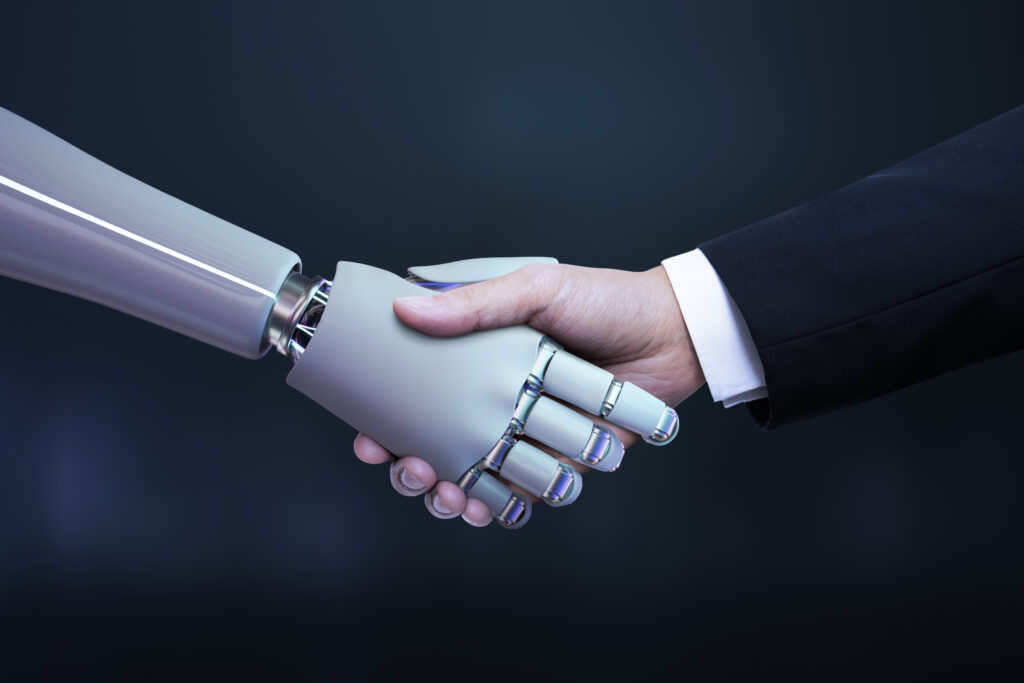
Many artists see AI as a threat to their future that will put them out of work, because these tools can carry out tasks that a person would otherwise have to do by hand. In reality, AI only imitates human creations by automatically processing the works of these artists.
On the contrary, AI should be seen as a revolution for video but also for artists, designers and writers: the opportunity to have tools that automate the most repetitive tasks so that they can concentrate on creative work.

Article written by David Baudry
I founded Il Est Une Fois in 2004 and I am its artistic director, personally overseeing projects with high creative stakes. Trained in film and audiovisual production, I taught at the École Supérieure des Arts Visuels in Morocco, then worked in China and the United States. Since then, the agency has produced more than 100 videos a year, including for the French Ministry of Justice, ARCEP, CNRS, the Sorbonne and UNESCO, as well as campaigns broadcast on TF1 and M6. In 2019, our work won the award for Best European Cinematography at the Grand European Off Film Awards in Warsaw.